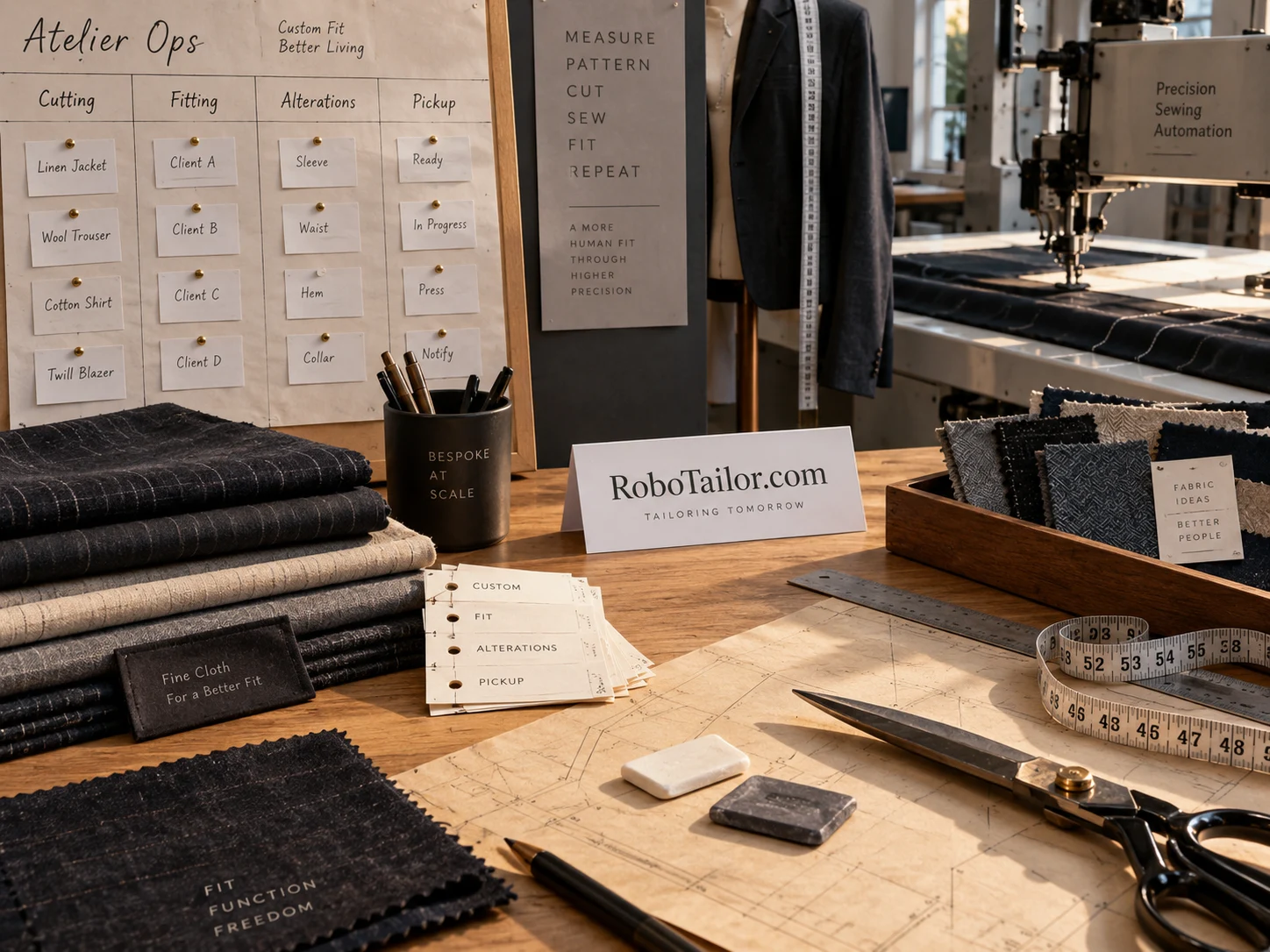
A garment can be waiting for several different reasons: a customer has not approved a change, a fabric delivery is late, a machine is unavailable or a finished piece still needs inspection. A calendar alone does not explain those differences. An atelier operations suite could make the next action visible for every order, from the fitting appointment to collection.
RoboTailor.com could name that software business, particularly for shops combining skilled work with selected automated operations. This is an illustrative application of the domain. Its first customer might be a small custom apparel team whose appointments, paper tickets and machine bookings have started to drift apart.
Begin with the garment ticket
The central record should represent a particular garment or clearly defined batch. Give it a customer reference, requested outcome, due date, pattern or instruction revision and present location. A customer ordering three garments may need three different production paths. Keeping everything inside one appointment note makes those differences hard to manage.
A ticket should also show the next action and its owner. “In progress” can mean almost anything. “Awaiting fitter approval of sleeve change” is specific enough for the front desk to act on. The suite would earn its place by making these ordinary questions easy to answer throughout the day.
Keep the first version modest. A searchable ticket list, clear status changes and a usable appointment link could be more valuable than an elaborate simulation of the entire workshop. The initial product needs to replace a recurring source of confusion, not demand that every staff member adopt a new planning philosophy.
Give each role a useful view
The fitter needs the customer’s preferences, previous adjustments and current appointment purpose. The cutter needs an approved pattern revision and material allocation. The machine operator needs prepared work, setup requirements and a clear indication that the job is ready. The person inspecting the garment needs the agreed finished result and relevant checks.
These views can share a record without exposing every field to everyone. A machine queue rarely needs the customer’s full contact history. A front-desk user may need to know that a garment is delayed, but not the internal details of every setup parameter. Design the access model around the work people actually perform.
Give a small shop a simple starting configuration. It may have one person filling several roles. The software should allow that person to move between tasks while preserving the same record. Larger teams can assign more specific permissions and responsibilities when the distinction becomes useful.
Treat the machine bay as a resource
A bay reservation should include preparation and changeover, not merely the expected run. It also needs a rule for when a ticket is ready to reserve. Booking a slot before customer approval or material arrival can create a calendar full of work that cannot start.
A useful first design separates tentative demand from committed work. Tentative tickets help the operator see what may be coming. Committed tickets meet the shop’s readiness checks. If a job loses readiness, the queue should show why and identify the person who can resolve it. The calendar should not imply that a machine is the only dependency.
Equipment-specific operation and safety instructions would remain with the appropriate equipment documentation. The suite could link an approved procedure and record its revision. It should avoid presenting a general scheduling interface as a substitute for the machine’s controls or a trained operator’s judgment.
Make exceptions first-class work
An exception needs a reason, an owner and a review time. A garment waiting for customer clarification should not sit in the same undifferentiated pile as one requiring technical rework. Distinct reasons let staff decide which problems can be cleared by a call and which require specialist attention.
Preserve the history when a decision changes. If the customer approves a different finish, keep the earlier instruction and the later approval together. The next operator can then understand why the ticket no longer matches the original fitting note. This is particularly useful when several people handle an order across different days.
A reminder should point to an action. Repeated alerts that say only “overdue” can become background noise. A better prompt identifies the garment, the blocked step and the missing decision. The staff member can resolve the issue, reassign it or record a new review time with a reason.
A practical day in the proposed product
Imagine a shop with fittings in the morning and a shared sewing bay in the afternoon. One trouser order is ready, a jacket awaits customer approval and a shirt needs fresh material. The scheduler shows only the trouser order as ready for the bay. The other two remain visible as demand with named blockers.
When the jacket customer approves the alteration, the fitter updates the instruction and marks preparation as the next step. The order does not jump directly to machine-ready. After preparation, an operator can place it into an available slot. Final inspection remains a separate event before the front desk offers collection.
That sequence gives a product team concrete screens to prototype. Test whether staff can find the next action, distinguish a blocker from a delay and answer a customer’s question. Those tasks provide a better early evaluation than counting how many features fit onto one dashboard.
Introduce it through a small pilot
A plausible route to market is a focused pilot with an independent atelier that already records its work. Import a limited set of active tickets and agree which part of the workflow the product will handle. Keep a documented fallback during the pilot so an interface problem does not strand a customer’s garment.
The domain fits a software offer when the connection to automated tailoring is clear in the product description. It may fit less directly if the product becomes a generic appointment calendar. Before inquiring, compare this operations concept with a consumer clothing brand and choose the audience the name should address. Include the intended users, first workflow and proposed software scope in the domain discussion.